
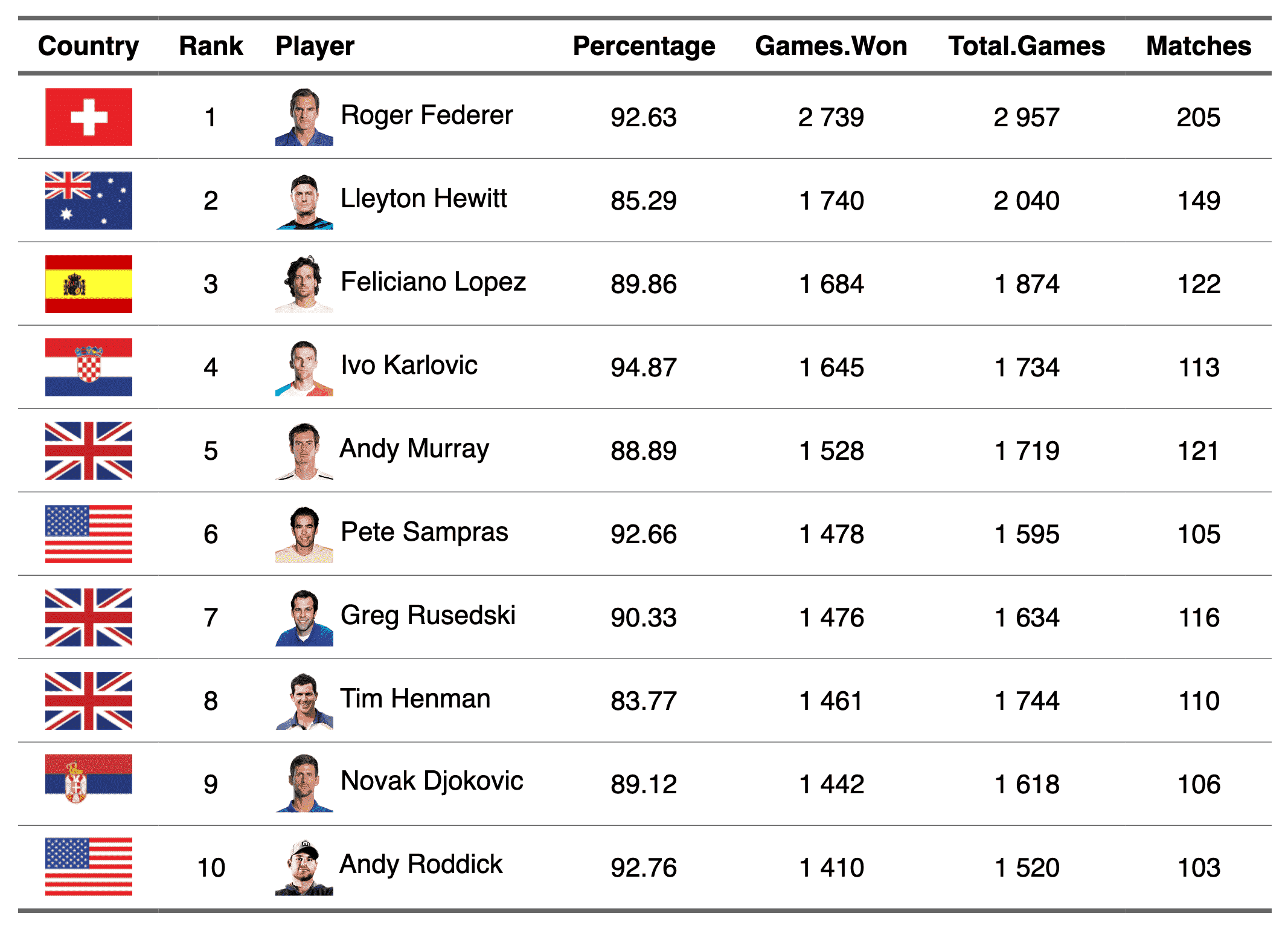
The function lets add images within flextable objects with functions:
Arguments
- src
image filename
- width, height
size of the image file. It can be ignored if parameter
guess_size=TRUE, see parameterguess_size.- unit
unit for width and height, one of "in", "cm", "mm".
- guess_size
If
TRUEandwidthorheightis not provided, the size of the image is read from the file, one pixel being 1/72 inch. The size of 'png', 'jpeg' and 'gif' files is read from their header, which is fast; other formats, such as 'svg', require package 'magick'.- alt
alternative text for the image (used for accessibility)
- ...
unused argument
Note
This chunk option requires package officedown in a R Markdown
context with Word output format. With Quarto (format: docx) or
rmarkdown::word_document(), the resulting file must be repaired
with repair_docx().
PowerPoint cannot mix images and text in a paragraph, images are removed when outputing to PowerPoint format.
See also
Other chunk elements for paragraph:
as_b(),
as_bracket(),
as_chunk(),
as_equation(),
as_highlight(),
as_i(),
as_qmd(),
as_strike(),
as_sub(),
as_sup(),
as_word_field(),
colorize(),
gg_chunk(),
grid_chunk(),
hyperlink_text(),
linerange(),
minibar(),
plot_chunk()
Examples
img.file <- file.path(
R.home("doc"),
"html", "logo.jpg"
)
myft <- flextable(head(iris))
myft <- compose(myft,
i = 1:3, j = 1,
value = as_paragraph(
as_image(src = img.file),
" ",
as_chunk(Sepal.Length,
props = fp_text_default(color = "red")
)
),
part = "body"
)
ft <- autofit(myft)
ft
Sepal.Length
Sepal.Width
Petal.Length
Petal.Width
Species
 5.1
3.5
1.4
0.2
setosa
4.9
3.0
1.4
0.2
setosa
4.7
3.2
1.3
0.2
setosa
4.6
3.1
1.5
0.2
setosa
5.0
3.6
1.4
0.2
setosa
5.4
3.9
1.7
0.4
setosa