Create a lattice theme based on specified colors
custom.theme.RdCreates a lattice theme given a few colors. Non-color settings are not included. The colors are typically used to define the standard grouping (superposition) colors, and the first color is used for ungrouped displays.
custom.theme(symbol = RColorBrewer::brewer.pal(n = 8, name = "Dark2"),
             fill = RColorBrewer::brewer.pal(n = 12, name = "Set3"),
             region = RColorBrewer::brewer.pal(n = 11, name = "Spectral"),
             reference = "#e8e8e8",
             bg = "transparent",
             fg = "black",
             ...)

## different defaults ("Set1", "Accent", "RdBu"):
custom.theme.2(...)
Arguments
- symbol
a vector of symbol colors.
- fill
a vector of fill colors (for barcharts, etc.)
- region
a vector of colors that is used to define a continuous color gradient using
colorRampPalette- reference
a color for reference lines and such
- bg
a background color
- fg
a foreground color, primarily for annotation
- ...
further arguments passed to
simpleThemeand used to modify the theme.
Value
A list that can be supplied to
trellis.par.get or as the
theme argument to
trellis.device.
Examples
set.seed(0)
## create a plot to demonstrate graphical settings
obj <-
xyplot(Sepal.Length + Sepal.Width ~ Petal.Length + Petal.Width, iris,
type = c("p", "r"), jitter.x = TRUE, jitter.y = TRUE, factor = 5,
auto.key = list(lines = TRUE, rectangles = TRUE))
obj <- update(obj, legend = list(right =
list(fun = "draw.colorkey", args = list(list(at = 0:100)))))
## draw with default theme
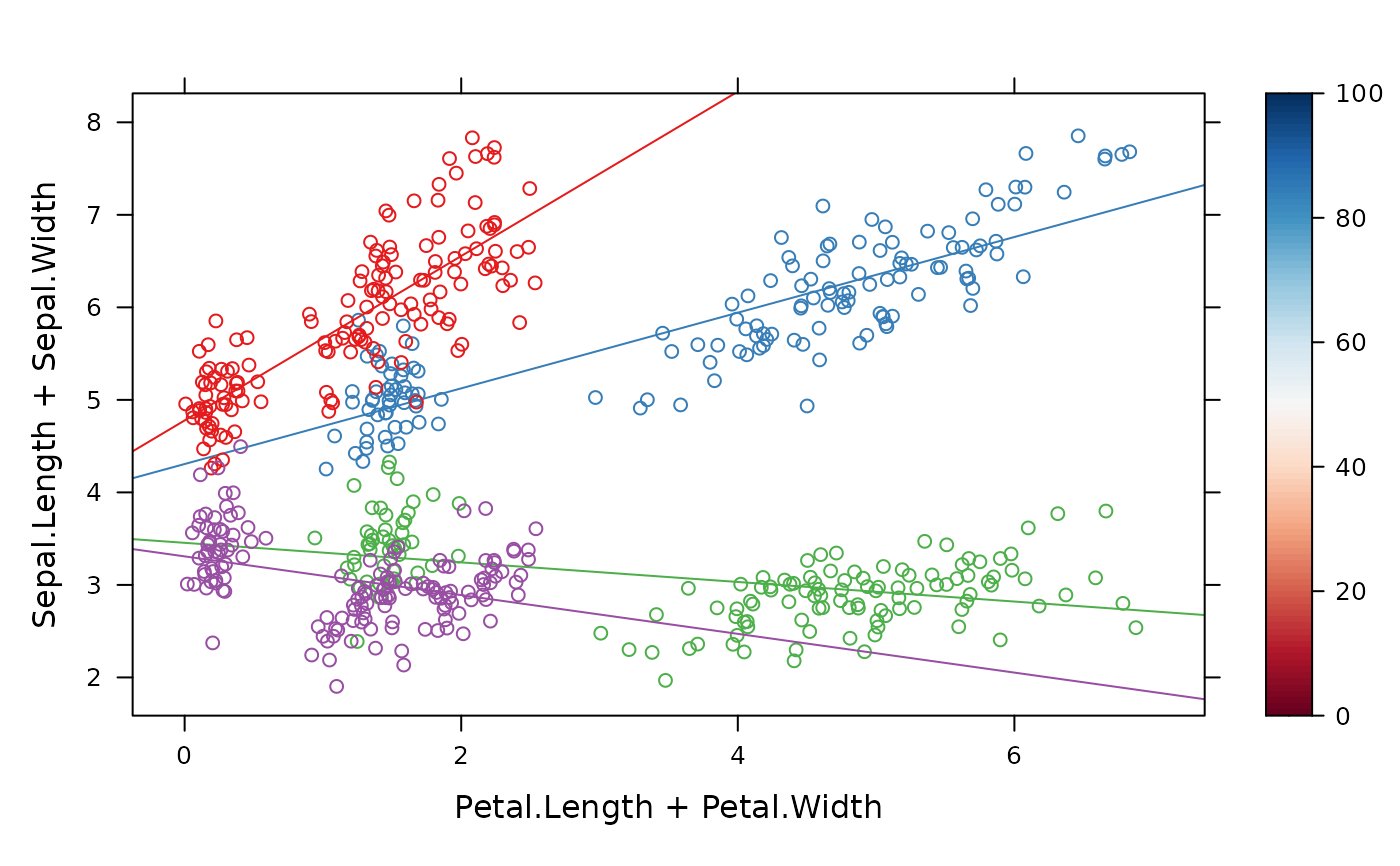
obj
 ## draw with custom.theme()
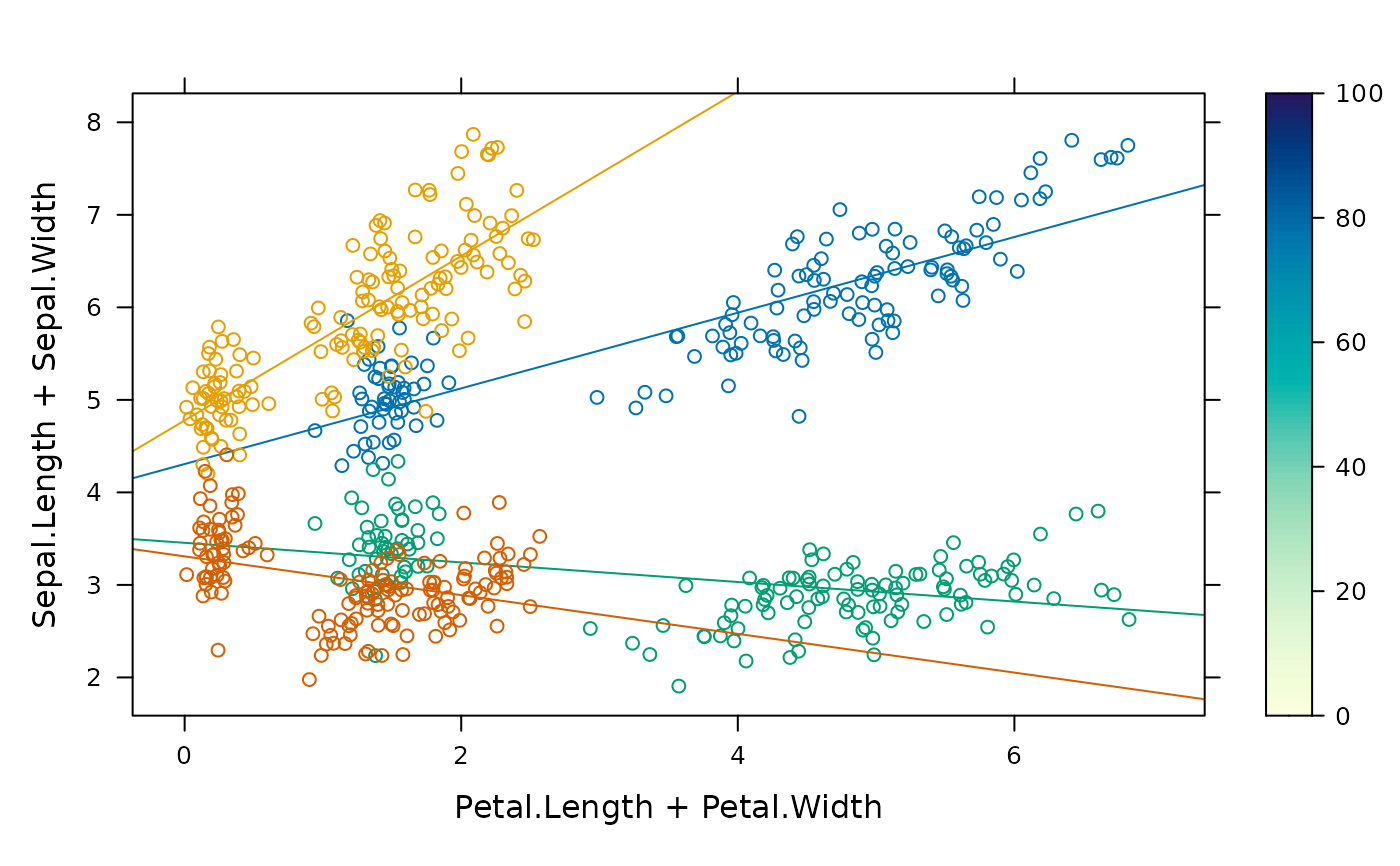
update(obj, par.settings = custom.theme())
## draw with custom.theme()
update(obj, par.settings = custom.theme())
 ## create a theme with paired colours, filled points, etc
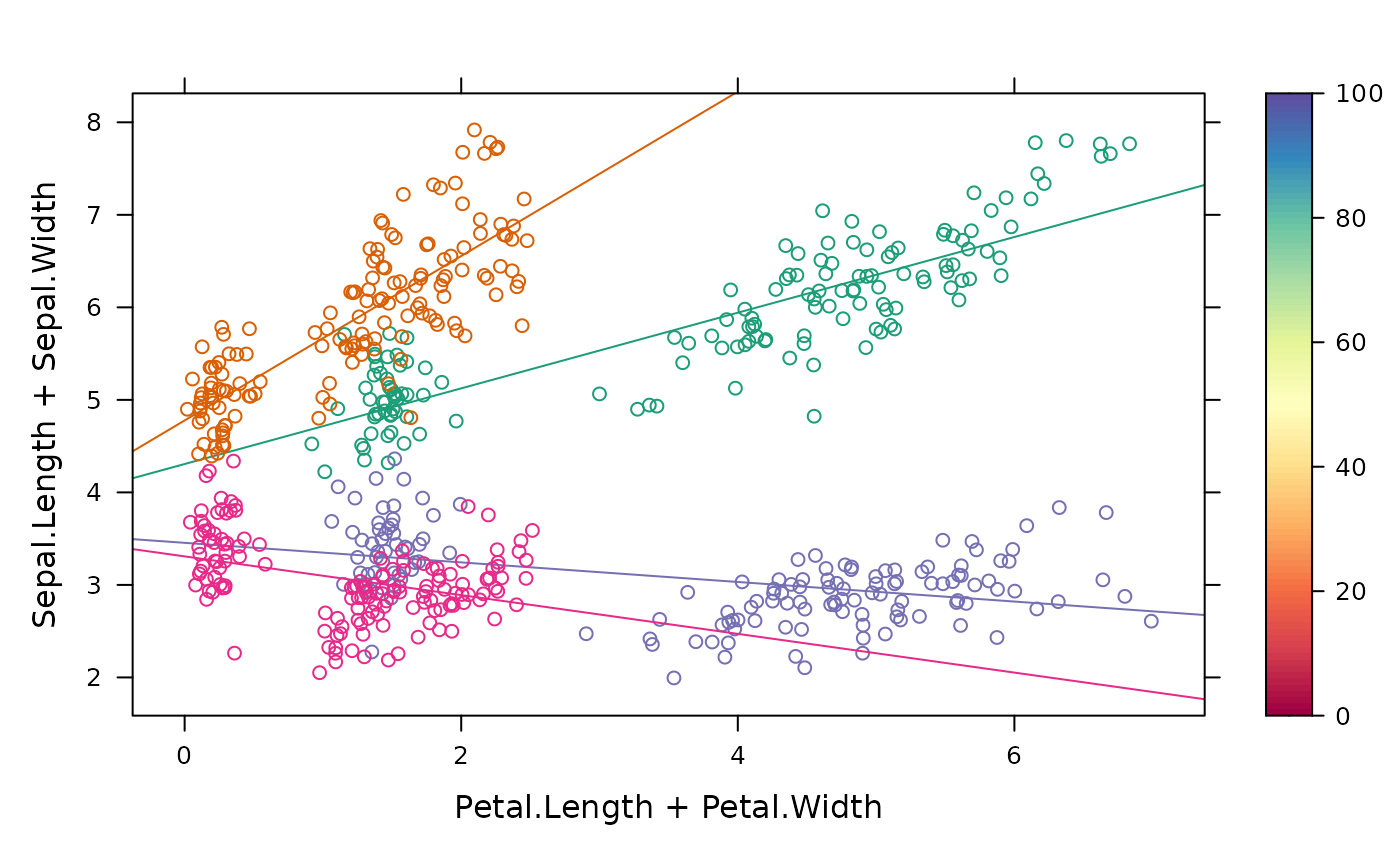
update(obj, par.settings =
custom.theme(symbol = RColorBrewer::brewer.pal(12, "Paired"),
fill = RColorBrewer::brewer.pal(12, "Paired"),
region = RColorBrewer::brewer.pal(9, "Blues"),
bg = "grey90", fg = "grey20", pch = 16))
## create a theme with paired colours, filled points, etc
update(obj, par.settings =
custom.theme(symbol = RColorBrewer::brewer.pal(12, "Paired"),
fill = RColorBrewer::brewer.pal(12, "Paired"),
region = RColorBrewer::brewer.pal(9, "Blues"),
bg = "grey90", fg = "grey20", pch = 16))
 ## draw with custom.theme.2()
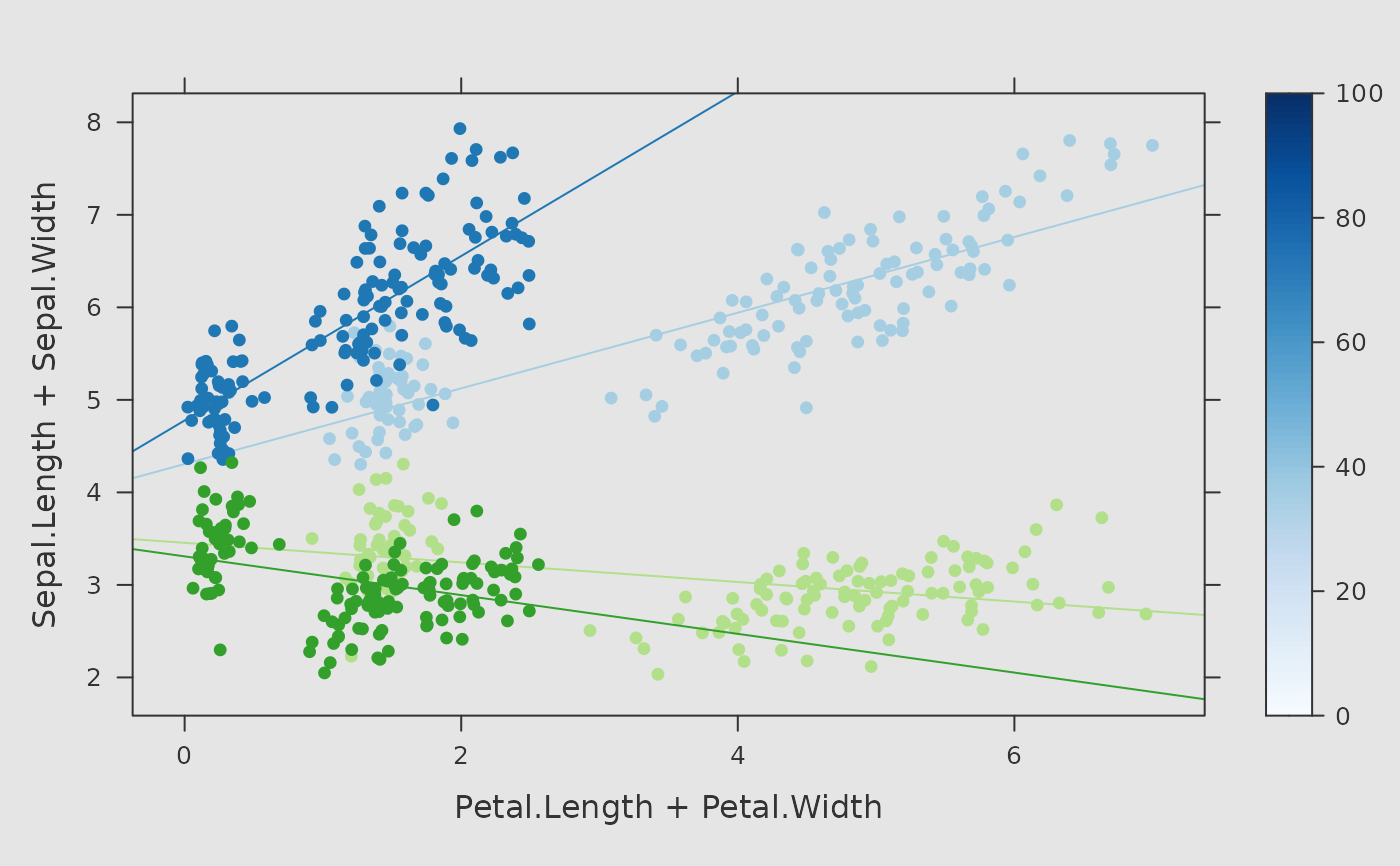
update(obj, par.settings = custom.theme.2())
## draw with custom.theme.2()
update(obj, par.settings = custom.theme.2())