Plot a Step Function
plotStep.RdPlots a step function f(x)= \(\sum_i y_i 1_[ t_{i-1}, t_i ](x) \), i.e., a piecewise constant function of one variable. With one argument, plots the empirical cumulative distribution function.
Usage
plotStep(ti, y,
          cad.lag = TRUE,
          verticals = !cad.lag,
          left.points= cad.lag, right.points= FALSE, end.points= FALSE,
    add = FALSE,
    pch = par('pch'),
          xlab=deparse(substitute(ti)), ylab=deparse(substitute(y)),
          main=NULL, ...)
Arguments
- ti
numeric vector =
X[1:N]ort[0:n].- y
numeric vector
y[1:n]; if omitted take y = k/N for empirical CDF.- cad.lag
logical: Draw 'cad.lag', i.e., “continue à droite, limite à gauche”. Default = TRUE.
- verticals
logical: Draw vertical lines? Default=
! cad.lag- left.points
logical: Draw left points? Default=
cad.lag- right.points
logical: Draw right points? Default=
FALSE- end.points
logical: Draw 2 end points? Default=
FALSE- add
logical: Add to existing plot? Default=
FALSE- pch
plotting character for points, see
par().- xlab,ylab
labels of x- and y-axis
- main
main title; defaults to the call' if you do not want a title, use
main = "".- ...
Any valid argument to
plot(..).
Side Effects
Calls plot(..), points(..), segments(..) appropriately and plots on current graphics device.
Author
Martin Maechler, Seminar for Statistics, ETH Zurich, maechler@stat.math.ethz.ch, 1991 ff.
See also
The plot methods plot.ecdf and
plot.stepfun in R which are conceptually nicer.
segments(..., method = "constant").
Examples
##-- Draw an Empirical CDF (and see the default title ..)
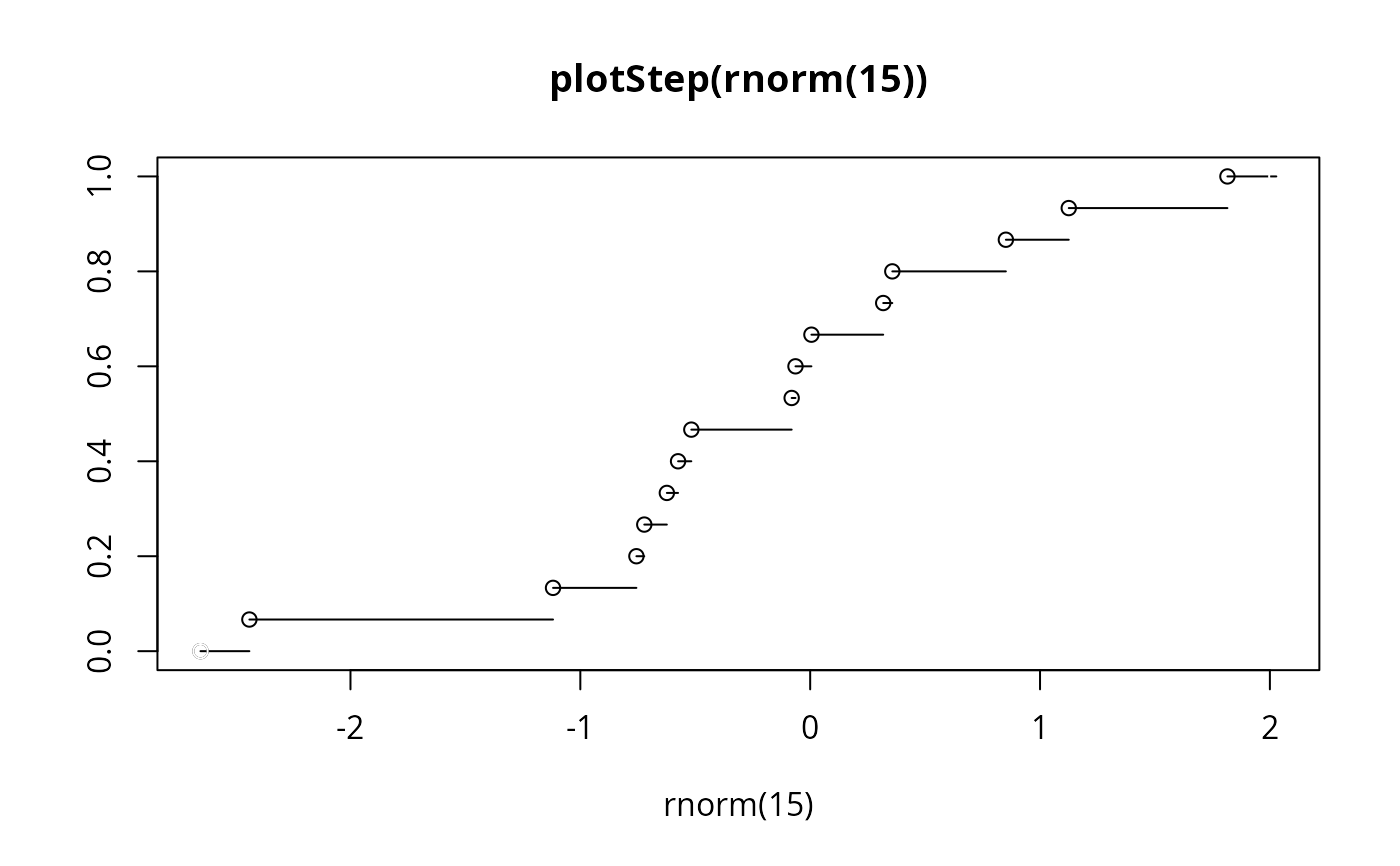
plotStep(rnorm(15))
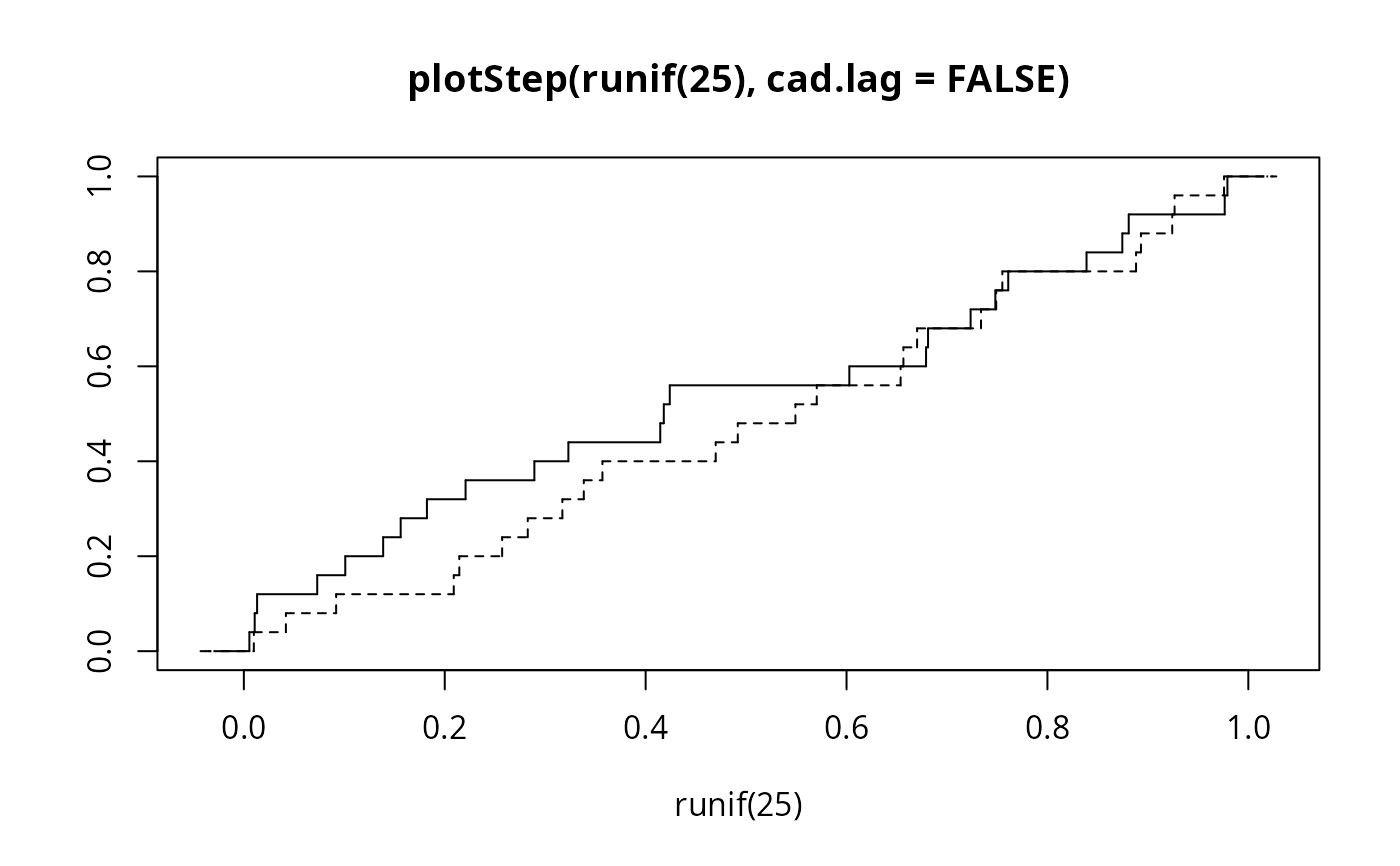
 plotStep(runif(25), cad.lag=FALSE)
plotStep(runif(25), cad.lag=FALSE, add=TRUE, lty = 2)
plotStep(runif(25), cad.lag=FALSE)
plotStep(runif(25), cad.lag=FALSE, add=TRUE, lty = 2)
 ui <- sort(runif(20))
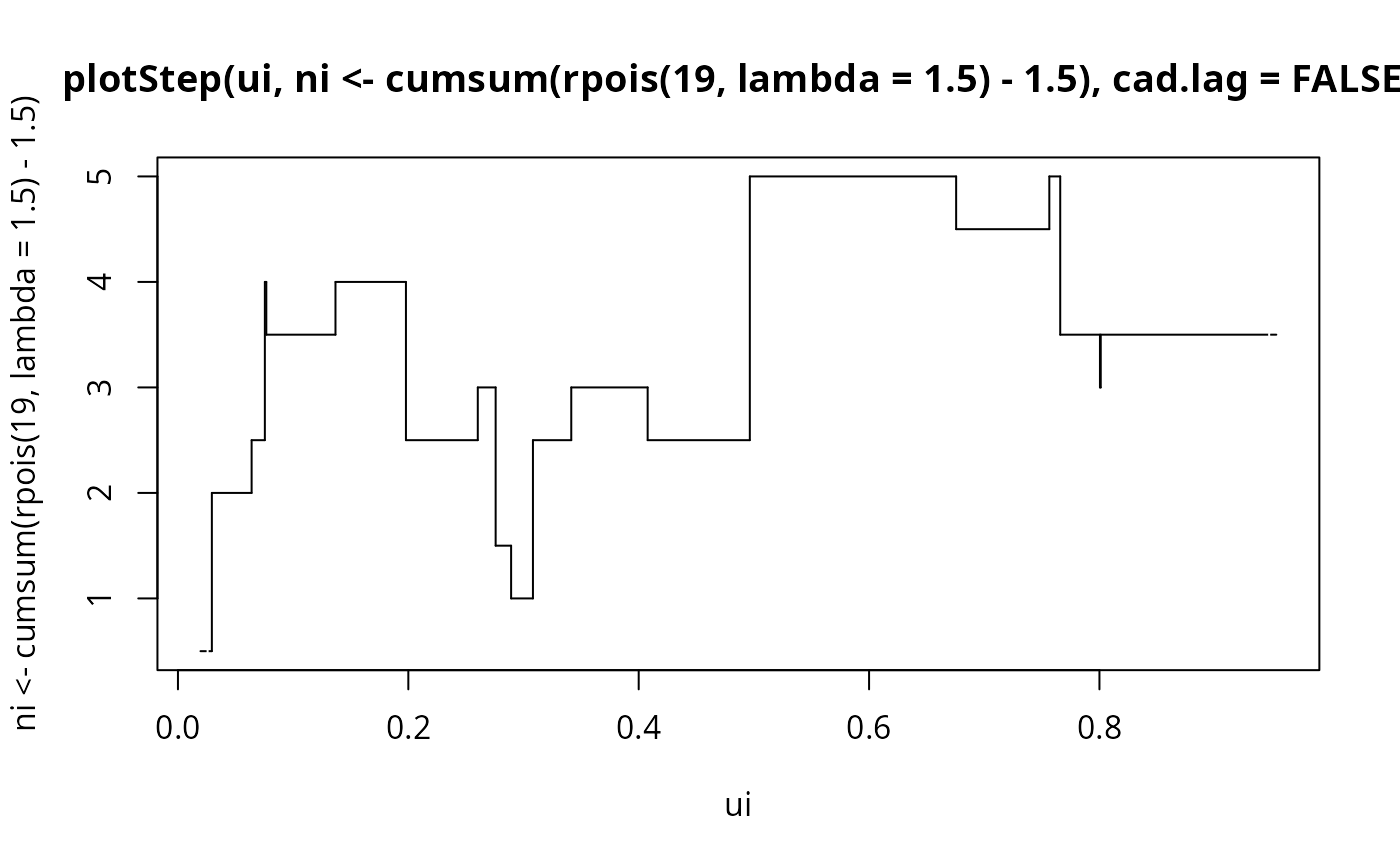
plotStep(ui, ni <- cumsum(rpois(19, lambda=1.5) - 1.5), cad.lag = FALSE)
ui <- sort(runif(20))
plotStep(ui, ni <- cumsum(rpois(19, lambda=1.5) - 1.5), cad.lag = FALSE)
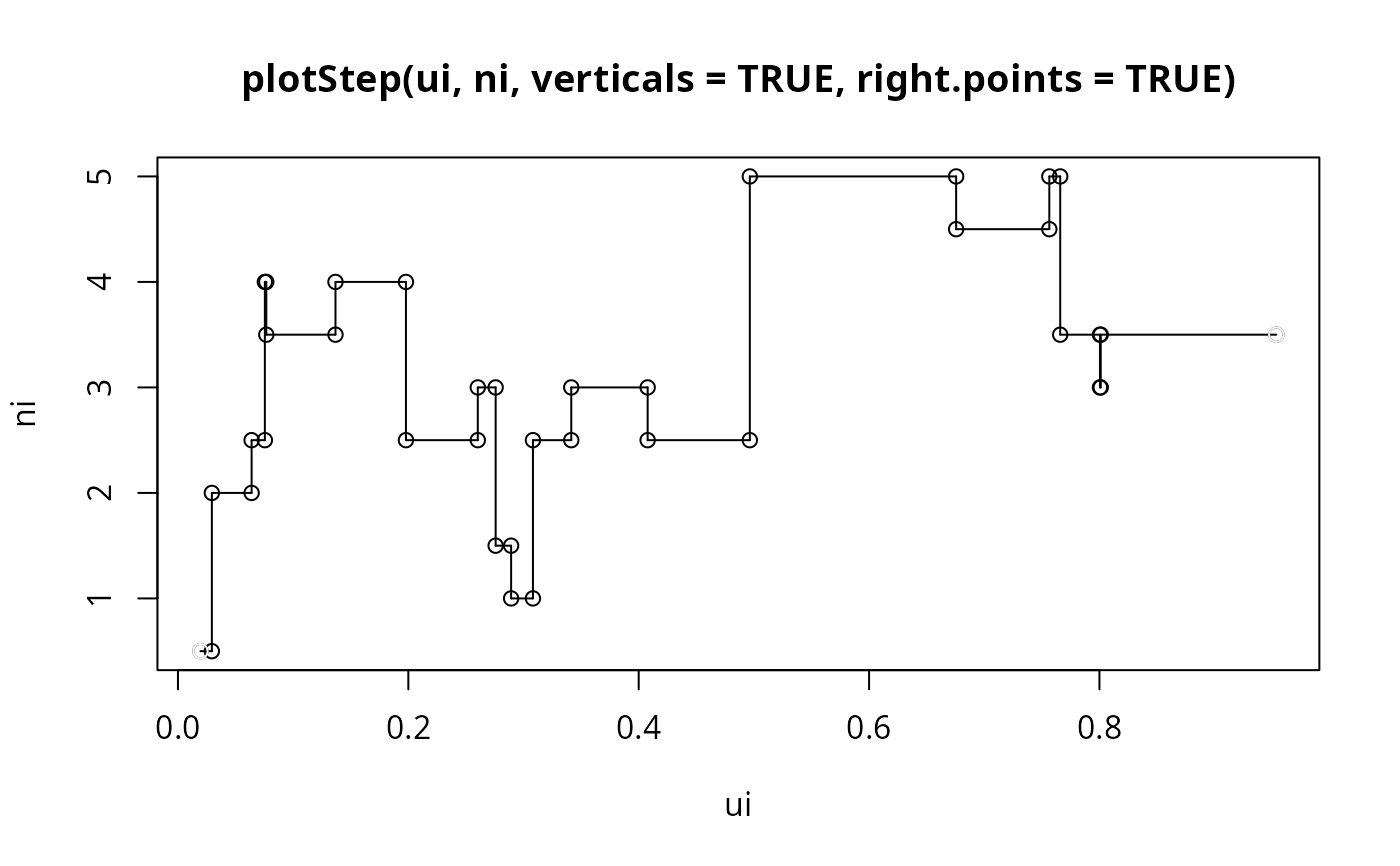
 plotStep(ui, ni, verticals = TRUE, right.points = TRUE)
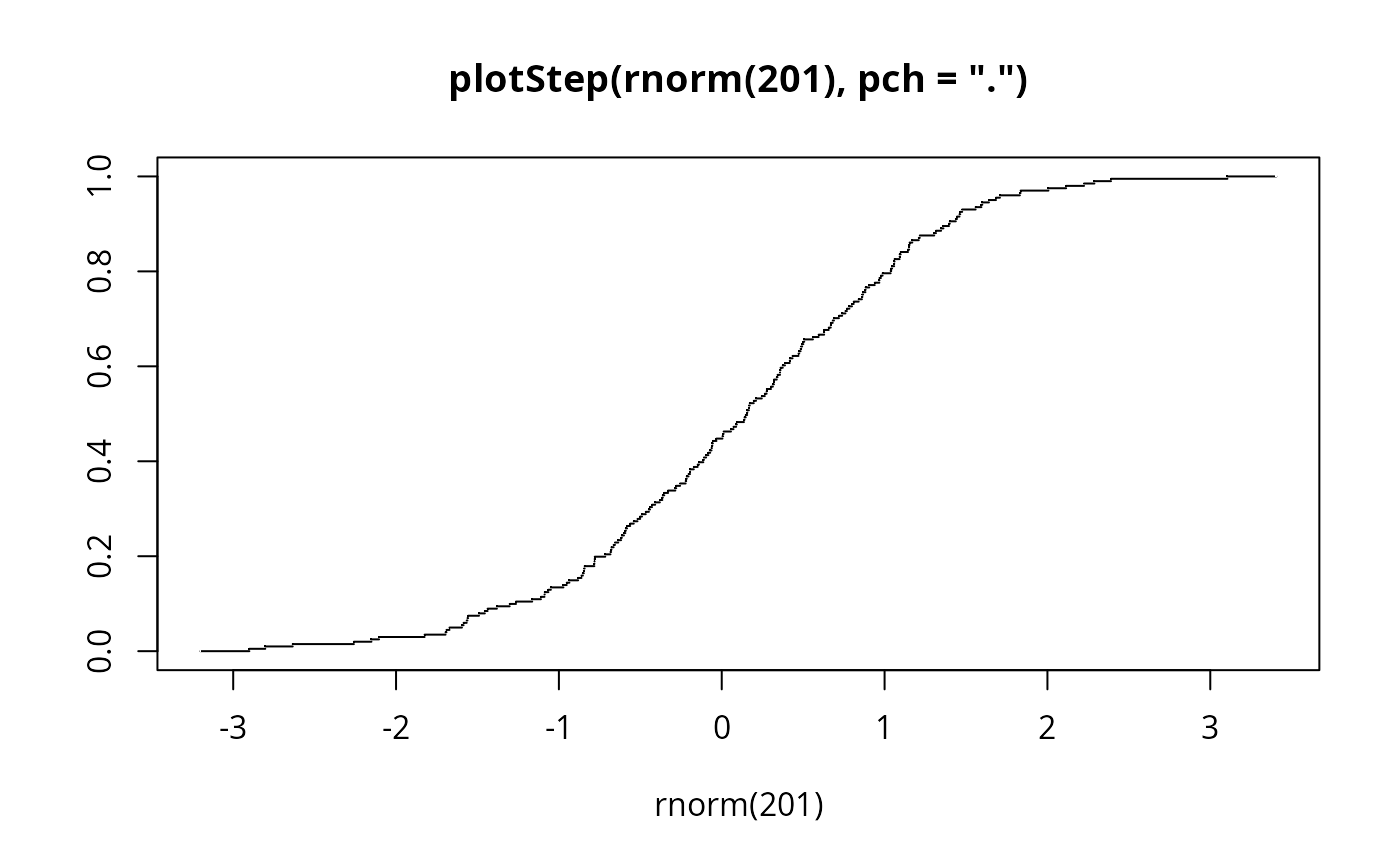
 plotStep(rnorm(201), pch = '.') #- smaller points