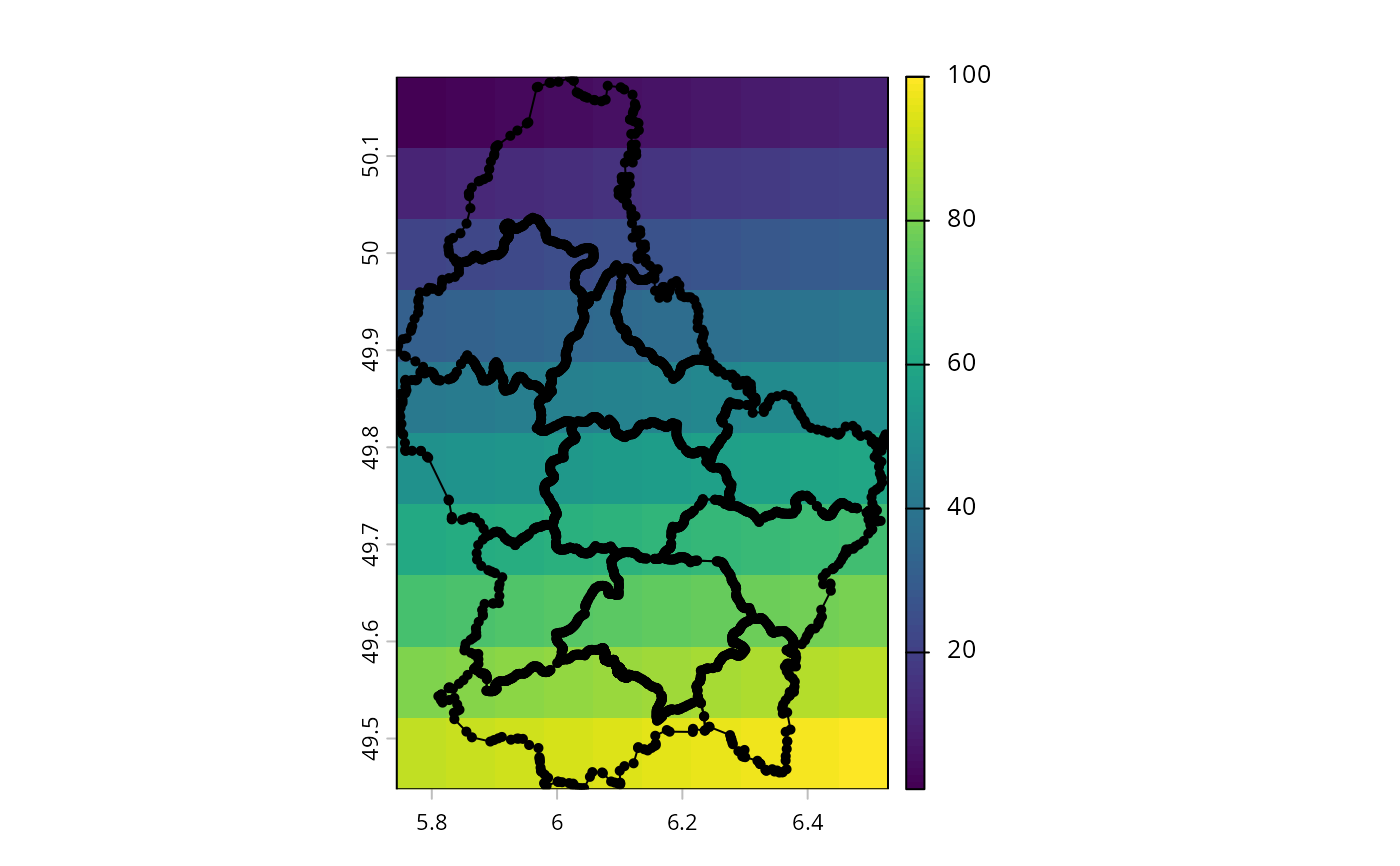
Add points, lines, or polygons to a map
lines.RdAdd a vector geometries to a plot (map) with points, lines, or polys.
These are simpler alternatives for plot(x, add=TRUE)
These methods also work for a small(!) SpatRaster. Only cells that are not NA in the first layer are used.
# S4 method for class 'SpatVector'
points(x, col, cex=0.7, pch=16, alpha=1, jitter=0, ...)

# S4 method for class 'SpatVector'
lines(x, y=NULL, col, lwd=1, lty=1, arrows=FALSE, alpha=1, ...)

# S4 method for class 'SpatVector'
polys(x, col, border="black", lwd=1, lty=1, alpha=1, ...)

# S4 method for class 'SpatRaster'
points(x, ...)

# S4 method for class 'SpatRaster'
lines(x, mx=10000, ...)

# S4 method for class 'SpatRaster'
polys(x, mx=10000, dissolve=TRUE, ...)

# S4 method for class 'SpatExtent'
points(x, col="black", alpha=1, ...)

# S4 method for class 'SpatExtent'
lines(x, col="black", alpha=1, ...)

# S4 method for class 'SpatExtent'
polys(x, col, alpha=1, ...)
Arguments
- x
SpatVector or SpatExtent
- y
missing or SpatVector. If both
xandyhave point geometry and the same number of rows, lines are drawn between pairs of points- col
character. Colors
- border
character. color(s) of the polygon borders. Use
NULLorNAto not draw a border- cex
numeric. point size magnifier. See
par- pch
positive integer, point type. See
points. On some (linux) devices, the default symbol "16" is a not a very smooth circle. You can use "20" instead (it takes a bit longer to draw) or "1" for an open circle- alpha
number between 0 and 1 to set transparency
- jitter
numeric. The amount of random noise used to adjust label positions, possibly avoiding overlaps. See argument 'factor' in
jitter- lwd
numeric, line-width. See
par- lty
positive integer, line type. See
par- arrows
logical. If
TRUEandyis a SpatVector, arrows are drawn instead of lines. Seearrowsfor additional arguments- mx
positive number. If the number of cells of SpatRaster
xis higher, the method will fail with an error message- dissolve
logical. Should boundaries between cells with the same value be removed?
- ...
additional graphical arguments such as
lwd,cexandpch