grid.pattern_line() draws a line pattern onto the graphic device.
Unlike grid.pattern_stripe() which fills bands with solid colour,
this pattern draws stroked lines using the device's native line rendering,
enabling all of R's built-in linetype values (including "dotdash",
"twodash", and custom line types specified as hex strings per ?par).
Usage
grid.pattern_line(
  x = c(0, 0, 1, 1),
  y = c(1, 0, 0, 1),
  id = 1L,
  ...,
  colour = gp$col %||% "grey20",
  angle = 30,
  spacing = 0.05,
  xoffset = 0,
  yoffset = 0,
  units = "snpc",
  alpha = gp$alpha %||% NA_real_,
  lineend = gp$lineend %||% "round",
  linetype = gp$lty %||% 1,
  linewidth = size %||% gp$lwd %||% 1,
  size = NULL,
  stagger = FALSE,
  use_R4.1_masks = getOption("ggpattern_use_R4.1_masks",
    getOption("ggpattern_use_R4.1_features")),
  png_device = NULL,
  res = getOption("ggpattern_res", 72),
  default.units = "npc",
  name = NULL,
  gp = gpar(),
  draw = TRUE,
  vp = NULL
)
Arguments
- x
A numeric vector or unit object specifying x-locations of the pattern boundary.
- y
A numeric vector or unit object specifying y-locations of the pattern boundary.
- id
A numeric vector used to separate locations in x, y into multiple boundaries. All locations within the same
idbelong to the same boundary.- ...
Currently ignored.
- colour
Stroke colour(s).
- angle
Rotation angle in degrees.
- spacing
Spacing between repetitions of pattern (in
unitsunits).- xoffset
Shift pattern along x axis (in
unitsunits).- yoffset
Shift pattern along y axis (in
unitsunits).- units
grid::unit()units forspacing,xoffset, andyoffsetparameters.- alpha
Alpha (between 0 and 1) or
NA(default, preserves colors' alpha value).- lineend
Line end style, one of
"round"(default),"butt", or"square".- linetype
Stroke linetype.
- linewidth
Stroke linewidth.
- size
For backwards compatibility can be used to set
linewidth.- stagger
If
TRUE, alternate lines are shifted by half the dash period so that dashes of adjacent lines interleave. Computed fromlinetypeandlinewidthper?par. DefaultFALSE.- use_R4.1_masks
If
TRUEuse the grid mask feature introduced in R v4.1.0. IfFALSEdo arasterGrobapproximation. IfNULLtry to guess an appropriate choice. Note not all graphic devices support the grid mask feature.- png_device
“png” graphics device to save intermediate raster data with if
use_R4.1_masksisFALSE. IfNULLand suggested packageraggis available and versions are high enough we directly capture masked raster viaragg::agg_capture(). Otherwise we will usepng_device(defaultragg::agg_png()if available elsegrDevices::png()) andpng::readPNG()to manually compute a masked raster.- res
Resolution of desired
rasterGrobin pixels per inch ifuse_R4.1_masksisFALSE.- default.units
A string indicating the default units to use if
xoryare only given as numeric vectors.- name
A character identifier.
- gp
An object of class
"gpar", typically the output from a call to the functiongpar. This is basically a list of graphical parameter settings.- draw
A logical value indicating whether graphics output should be produced.
- vp
A Grid viewport object (or NULL).
Value
A grid grob object invisibly. If draw is TRUE then also draws to the graphic device as a side effect.
See also
grid.pattern_stripe() for filled bands, grid.pattern_wave() for wavy bands, grid.pattern_crosshatch() for two sets of lines.
Examples
x_hex <- 0.5 + 0.5 * cos(seq(2 * pi / 4, by = 2 * pi / 6, length.out = 6))
y_hex <- 0.5 + 0.5 * sin(seq(2 * pi / 4, by = 2 * pi / 6, length.out = 6))
if (capabilities("png") || guess_has_R4.1_features("masks")) {
grid::grid.newpage()
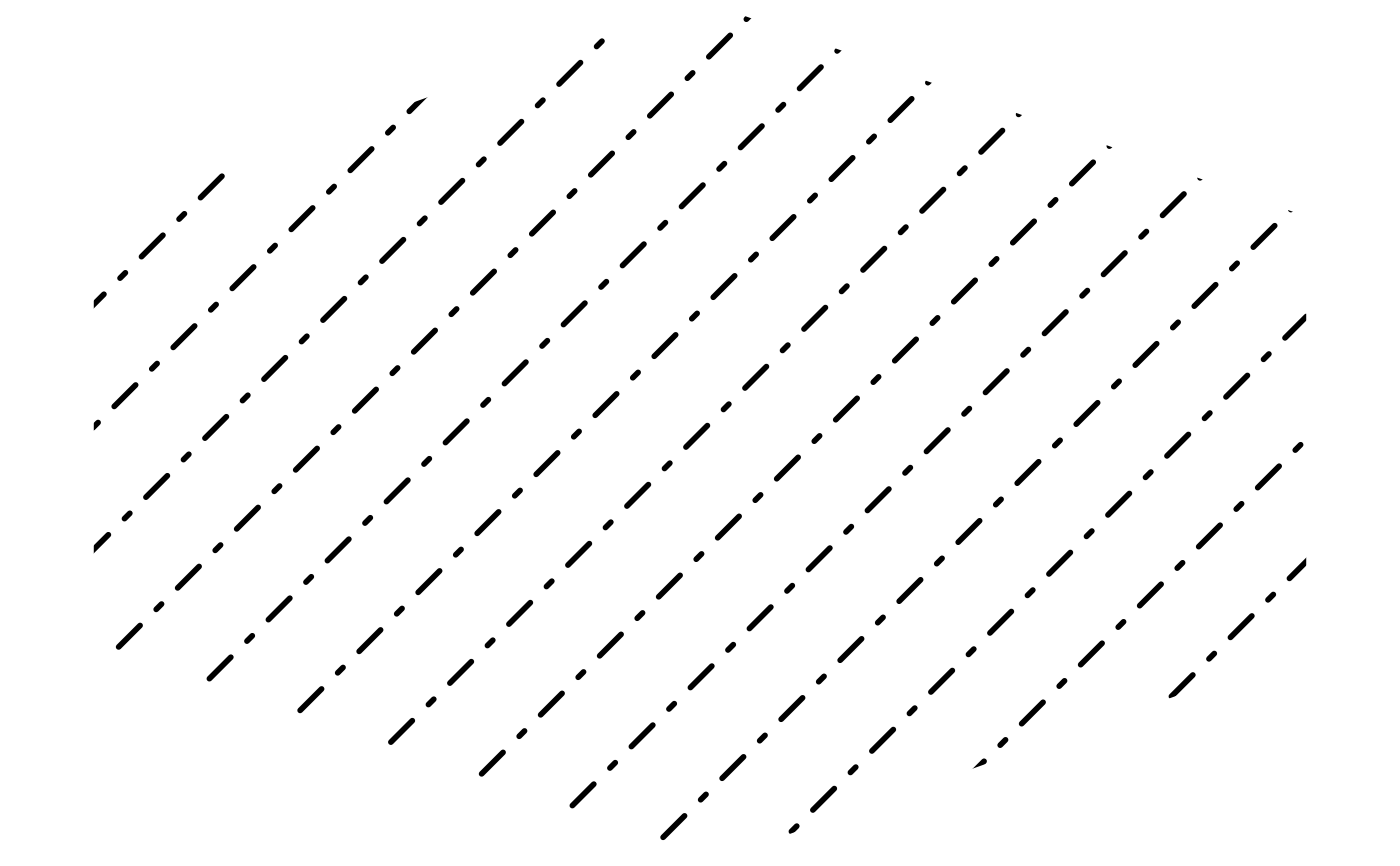
grid.pattern_line(x_hex, y_hex, colour = "black", linetype = "dotdash",
angle = 45, spacing = 0.1, stagger = TRUE)
}
 # more intricate dashed lines are possible with hex strings
if (capabilities("png") || guess_has_R4.1_features("masks")) {
grid::grid.newpage()
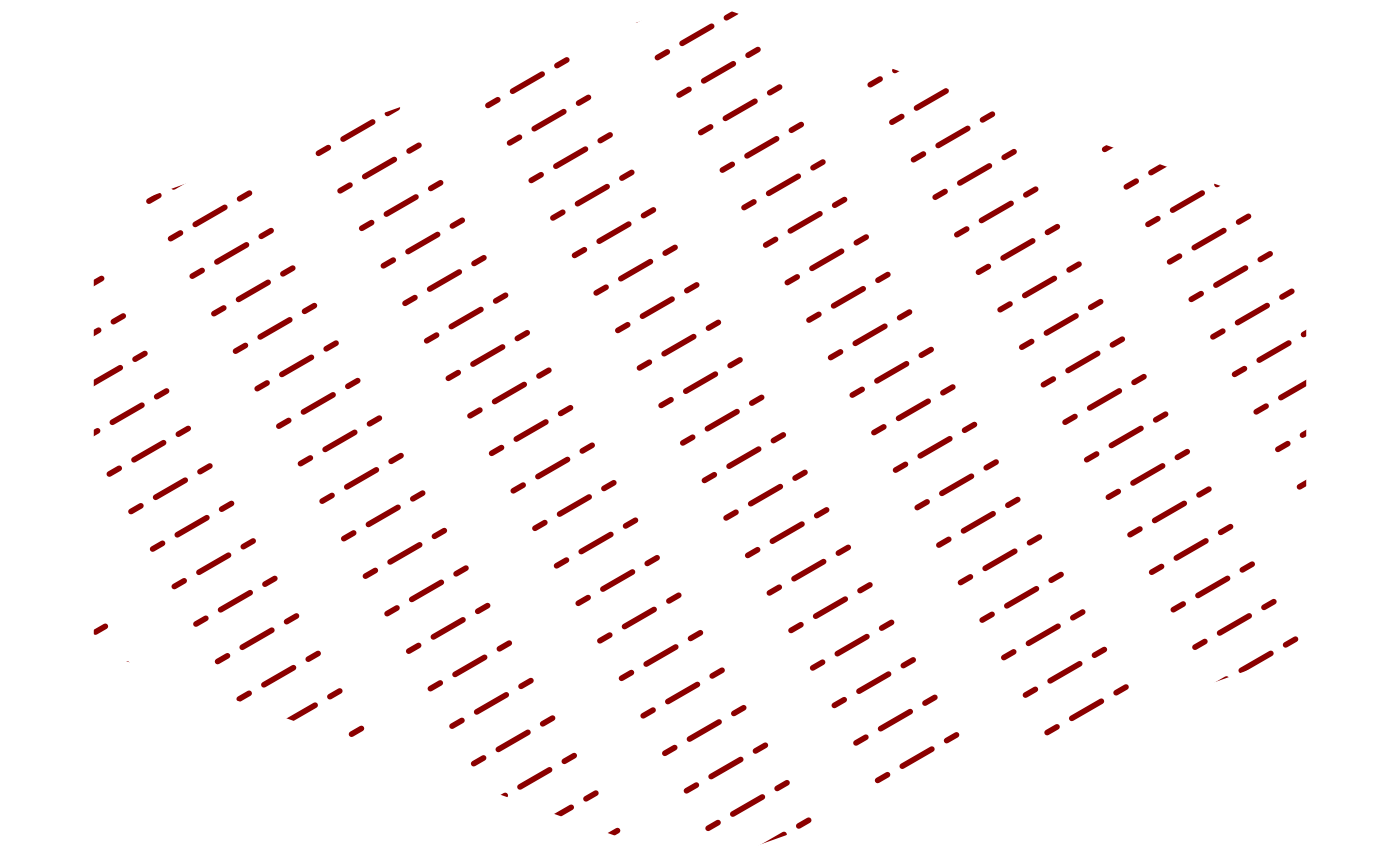
grid.pattern_line(x_hex, y_hex, gp = grid::gpar(col = "darkred", lty = "23632E"))
}
# more intricate dashed lines are possible with hex strings
if (capabilities("png") || guess_has_R4.1_features("masks")) {
grid::grid.newpage()
grid.pattern_line(x_hex, y_hex, gp = grid::gpar(col = "darkred", lty = "23632E"))
}